🎮 Learning Games for Kids – Free Online Games to Play
Learning games for kids on this page open straight in your browser, so there is nothing to download and nothing to pay for. Children can count fruits, tap numbers from 1 to 10, match shapes, build patterns and find the odd one out, all with friendly pictures and gentle sounds. Each game works on a phone, tablet or computer, so it fits school time, home practice or a quiet afternoon. Pick a game below and let your child start playing in seconds.
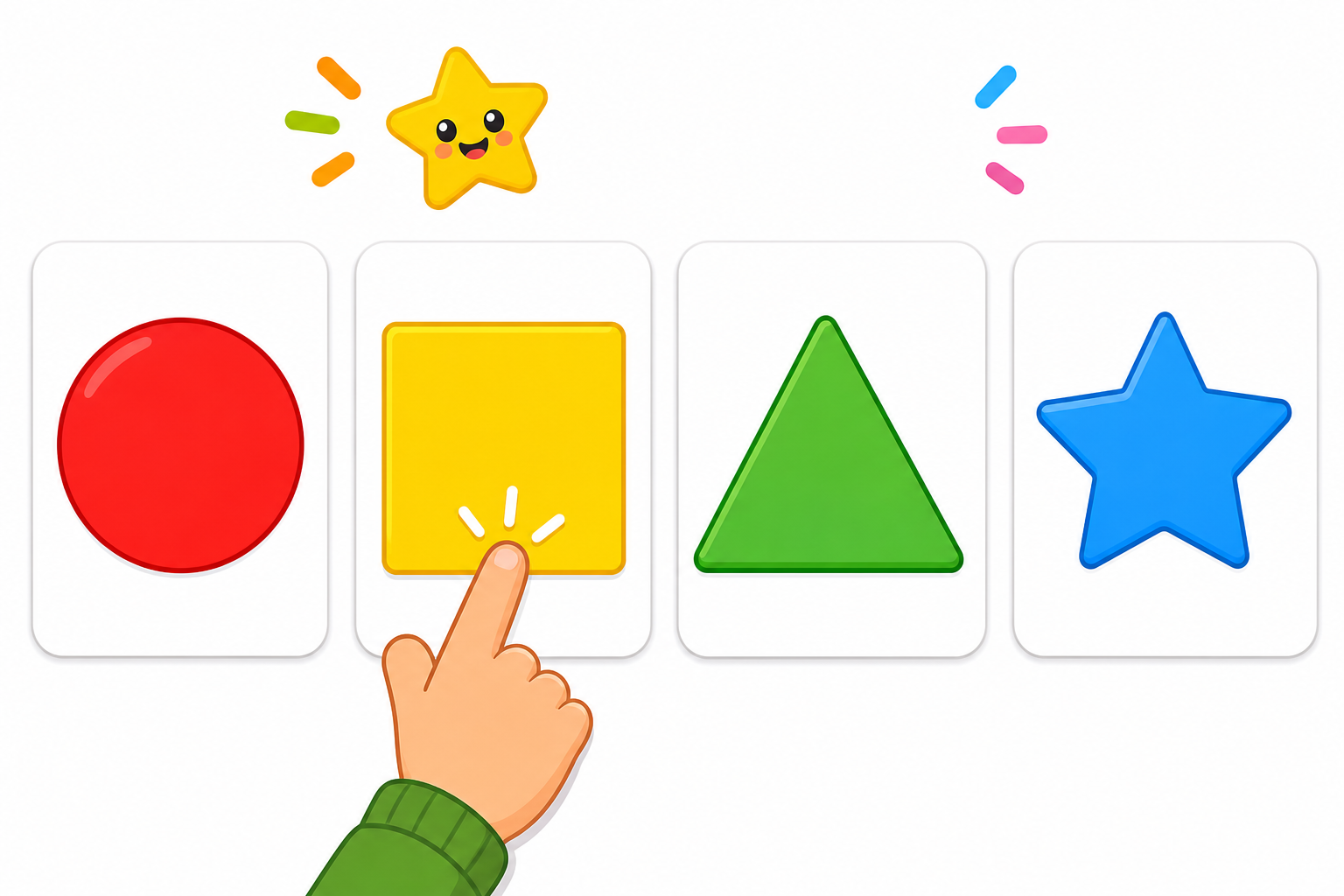 ⭐
Shape Match Game for Kids - Find Shapes Online🎮 HTML Games · Age 4-5
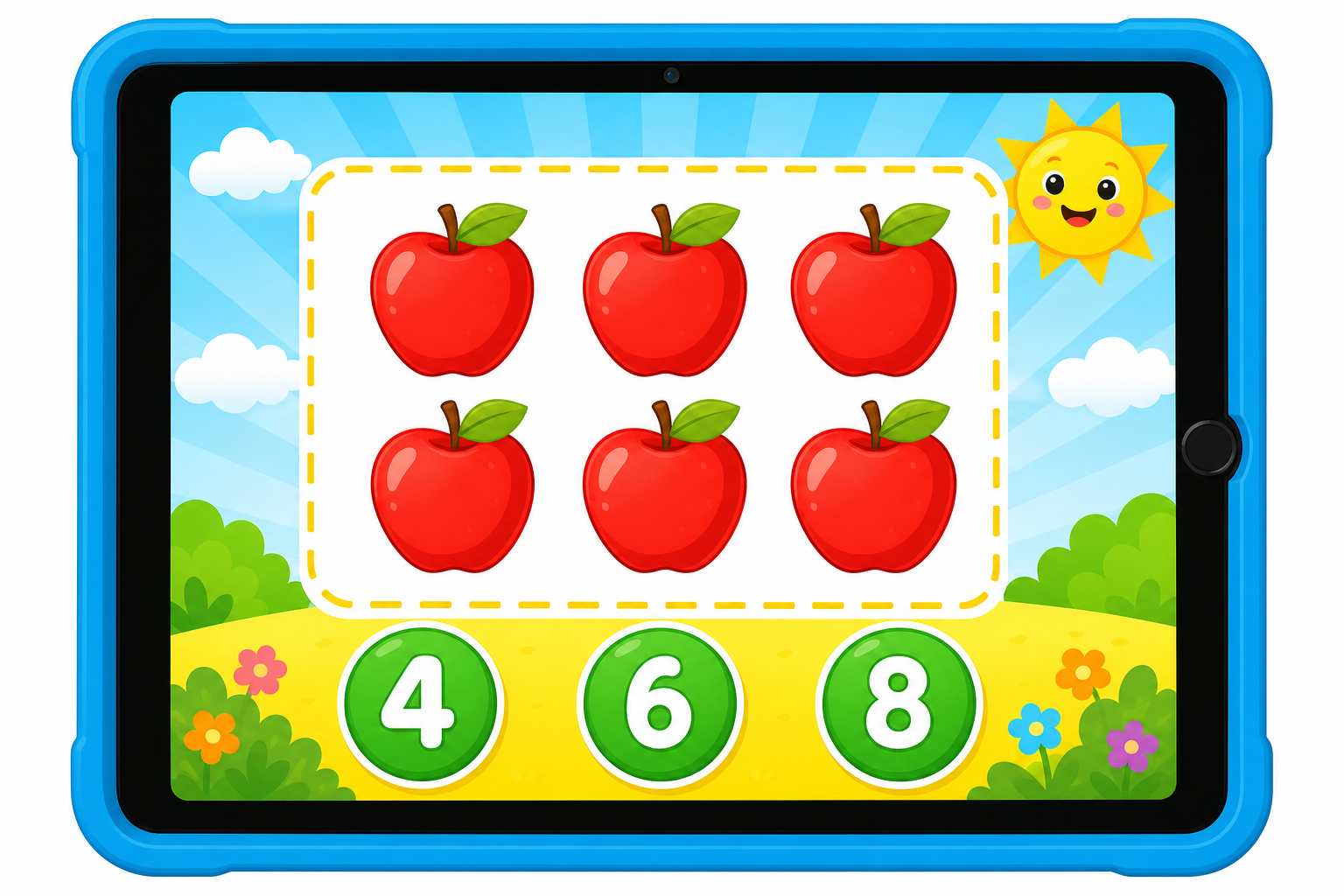 ⭐
Counting Game for Kids - Count and Tap Numbers 1-10🎮 HTML Games · Age 4-5
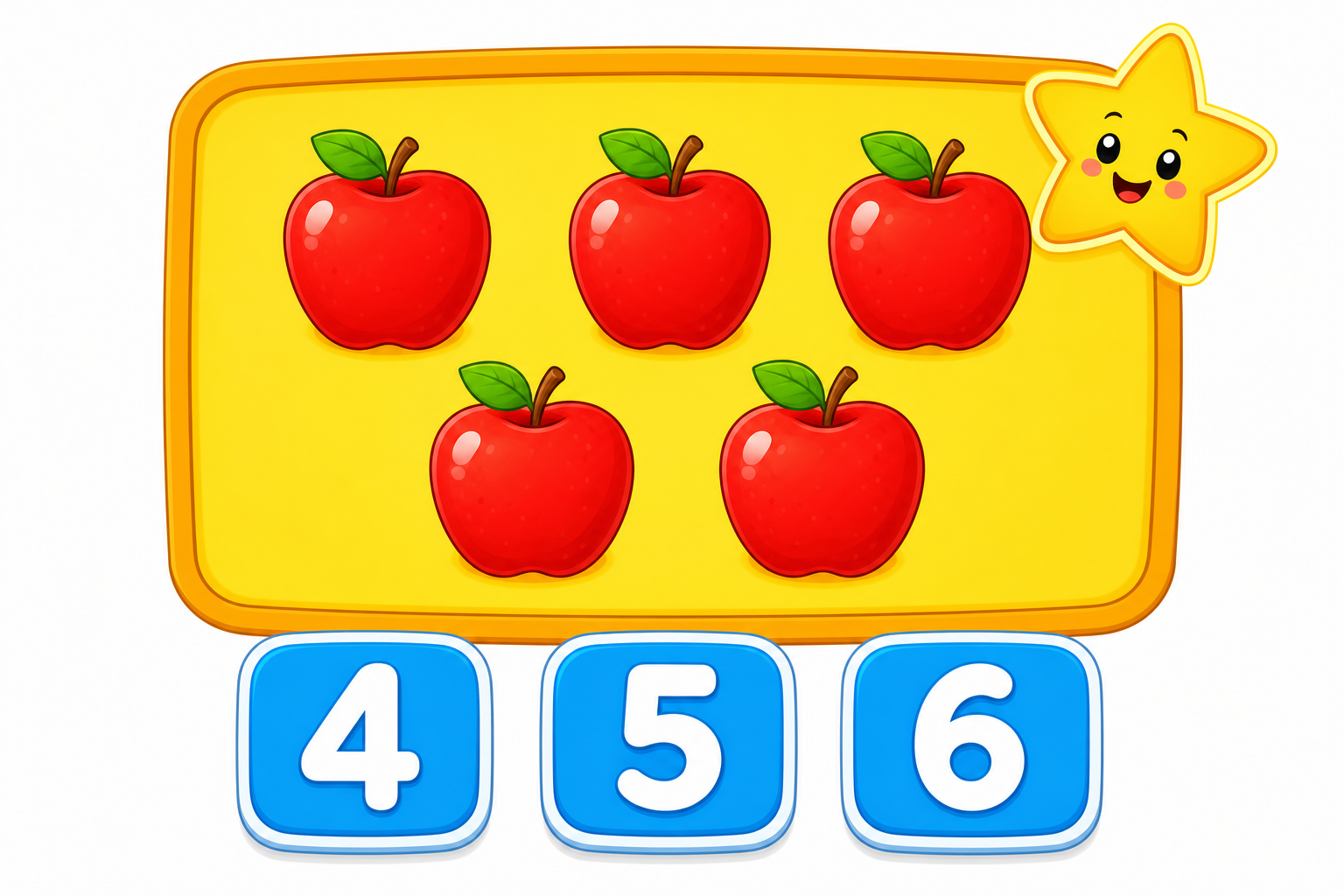 ⭐
Counting Fruits Game for Kids – Count 1 to 10🎮 HTML Games · Age 4-5
🎮⭐
Odd One Out🎮 HTML Games · Age 4-5
🎮⭐
Pattern Train – Free Pattern Game for Kindergarten Kids🎮 HTML Games
🎮⭐
Little Learners🎮 HTML Games
What these online games are
This page collects short, screen-friendly learning games for kids aged about 2 to 10. Every game runs inside the web browser you are already using. There is no app store, no sign-up and no cost. A child taps or clicks the right picture, number or shape, and the game responds right away with a cheerful sound and a clear, calm correction when the answer is wrong.
- Little Learners – a gentle first game for very young children who are still learning to tap and listen.
- Pattern Train – a free pattern game for kindergarten kids who fill in what comes next.
- Odd One Out – spot the picture that does not belong in the group.
- Counting Game for Kids – count and tap numbers 1 to 10.
- Counting Fruits Game – count colourful fruits from 1 to 10.
- Shape Match Game – find and match circles, squares, triangles and more.
Skills children build while playing
Short games give children lots of practice in a few minutes, and because the feedback is instant, mistakes are easy to fix. Teachers often use them as a warm-up before a worksheet, and parents use them as a calm, useful screen break.
- Number sense – counting objects one by one, recognising numerals 1 to 10 and matching a number to a quantity.
- Shape awareness – naming and sorting basic 2D shapes, which supports early geometry and handwriting.
- Pattern thinking – noticing what repeats and predicting what comes next, an important step towards maths reasoning.
- Visual discrimination – comparing pictures closely to find the one that is different.
- Focus and memory – holding a rule in mind for a whole round.
- Fine motor control – accurate tapping, dragging and clicking.
How to play online and keep practising on paper
Tap any game title in the list above. The game loads in the same browser tab, so you can simply press back to choose another one. Turn the device to landscape on small phones for a bigger play area, and keep the volume low if several children are playing together. If the screen looks small, use full-screen mode in your browser.
Screen time is best when it is balanced with pencil-and-paper work. After a counting or shape game, print a matching sheet from our free printable worksheets for kids so the same idea is practised by hand. Quiet, colourful coloring pages for kids also make a nice wind-down after an active game session, and you can always come back to the games page the next day.
Ideas by age
Ages 2–3: Sit beside your child and play together. Say the number or shape name out loud before they tap. One or two short rounds are plenty at this age. Little Learners and the fruit counting game are the easiest starting points.
Ages 4–5: This is a good age for Pattern Train, Shape Match and counting to 10. Ask simple questions while playing: "How many apples do you see?" or "What comes next in the train?" Let your child explain their answer; talking about it doubles the learning.
Ages 6–8: Older children enjoy beating their own time or playing several rounds without a mistake. Odd One Out works well here because children must give a reason for their choice. You can also ask them to teach a younger sibling, which is excellent revision.
Tips for parents and teachers
- Keep sessions short – 10 to 15 minutes of focused play is more useful than a long stretch.
- Play on a table rather than on a lap, so posture and arm control stay comfortable.
- Praise effort and strategy, not only correct answers.
- Use one game as a classroom warm-up on a projector or shared tablet, then move to group work.
- Let children repeat the same game; repetition is how early concepts become automatic.
- Check that the device sound is on for games with audio prompts, as listening is part of the task.
All games on this page are free, work without installation and contain no purchases, so children can explore safely while you stay nearby.