Counting Fruits Game for Kids
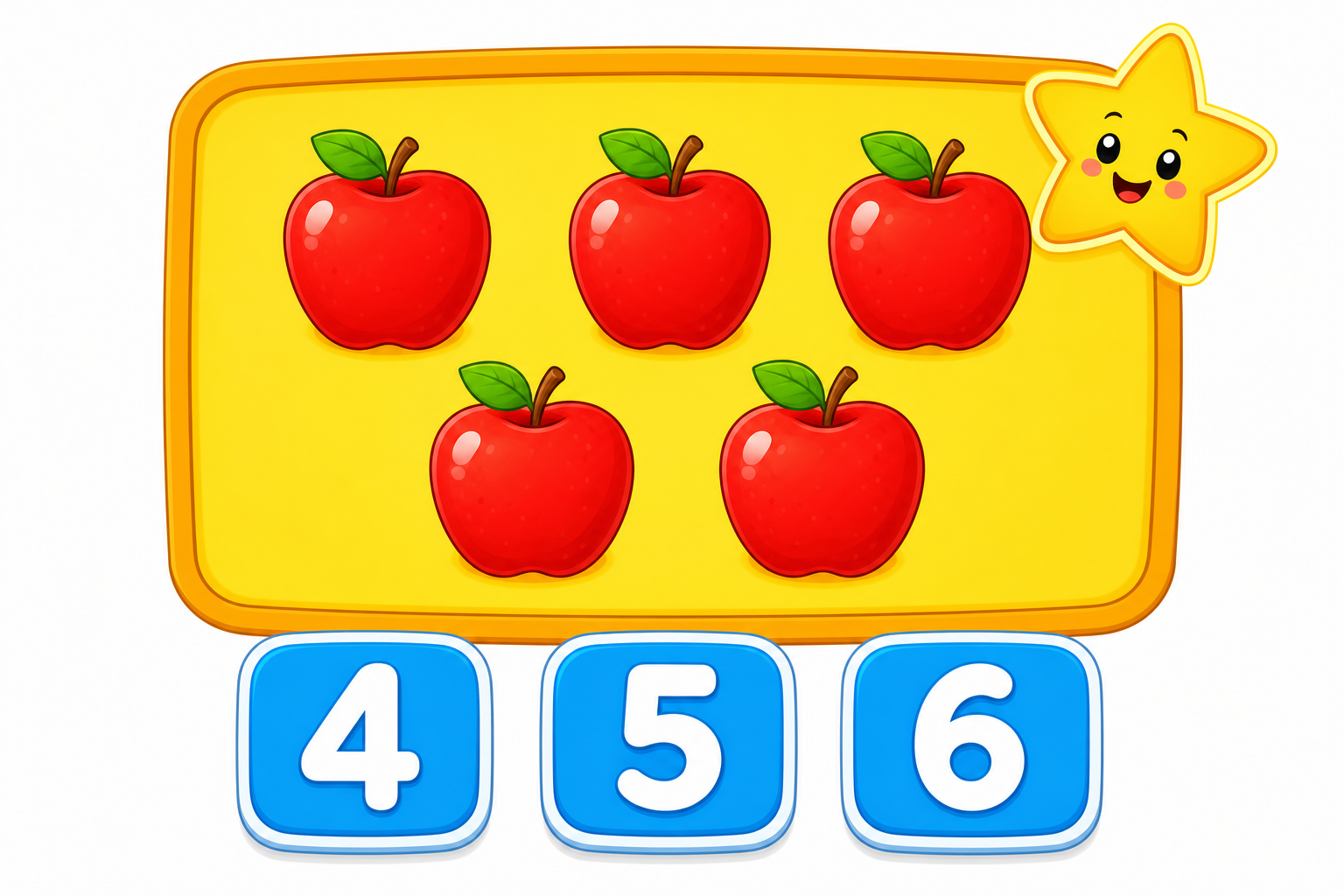
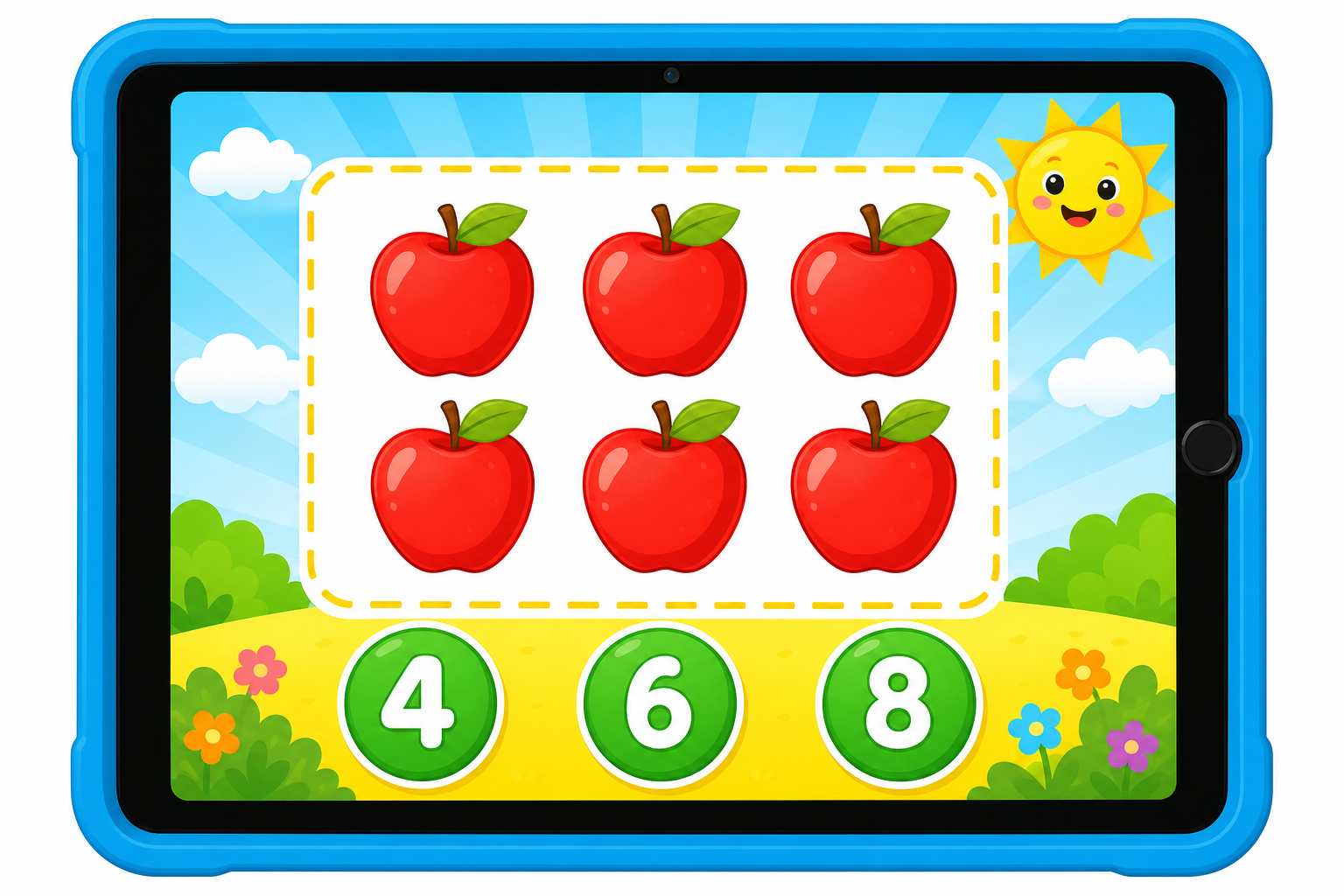
Counting turns into a game in this free online activity for kids. A group of juicy fruits appears on the screen, and your child counts them one by one. Tapping each fruit puts a happy tick on it, so nothing gets counted twice or missed. Then they choose the matching number from three big, bright buttons. There are ten rounds, a growing score and friendly feedback after every answer. The game plays right in the browser on a phone, tablet or computer, with no download and no sign-up, making it perfect for a quick five-minute learning break at home or in class.
How to play
- Look at the fruits on the screen and read the question, such as How many apples?
- Tap each fruit once to tick it off while counting aloud: one, two, three.
- Press the big button that shows the correct number.
- Play all ten rounds, check your score, then press Play again for a brand new set.
This game builds one of the most important early maths skills: one-to-one correspondence, which means touching each object once while saying one number word. Children aged 4 to 5 practise counting sets of 1 to 10, recognising written numerals, and matching a quantity to its number symbol. Choosing between three answers also develops careful looking, memory and early reasoning. Sit beside your child for the first few rounds and count aloud together, then let them try alone. If they find ten objects tricky, replay the game and praise accurate counting rather than speed. Real fruit at home makes a lovely follow-up activity.
Frequently asked questions
What age is this counting game suitable for?
Do I need to download or install anything?
How does the game help my child learn to count?
What should I do if my child keeps choosing the wrong number?
Can teachers use this game in class?
More html games
 ⭐
 ⭐
Updated 31 Oct 2026