Count and Tap: A Free Counting Game for Kids
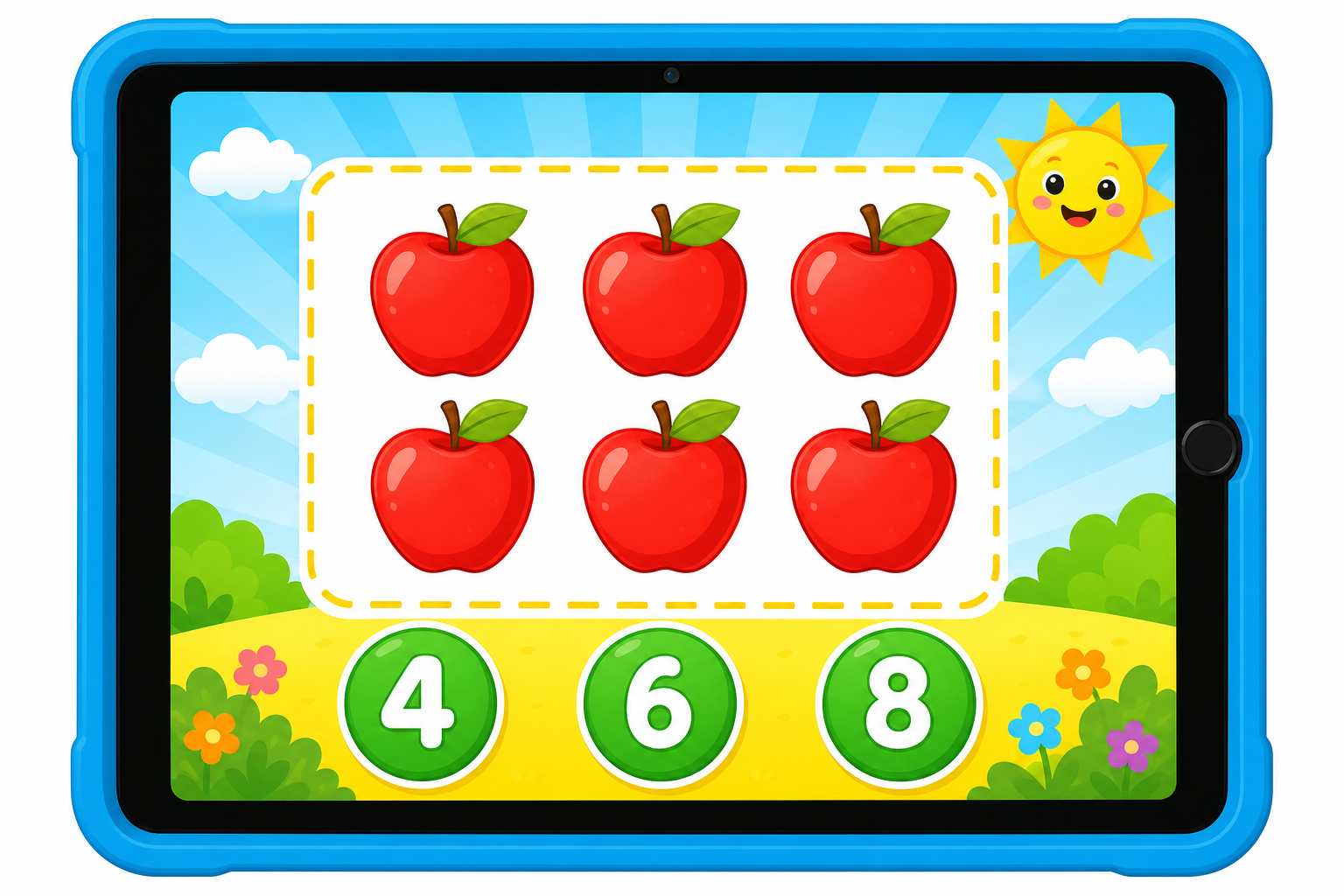
Counting is one of the first big steps in maths, and this free online counting game makes it feel like play. Your child sees a group of friendly fruits on the screen, counts them one by one, and taps the number that matches. There are ten rounds, three number choices each time, and a cheerful message after every correct tap.
The game works on phones, tablets and computers with no download and no sign-up, so preschool and kindergarten kids can start counting straight away.
How to play
- Look at the fruits inside the yellow box and count them out loud, touching each one with a finger.
- Tap the green button that shows the correct number.
- A correct tap adds one point and the next group of fruits appears.
- After ten rounds, see your score and press Play again for a fresh set of numbers.
This game builds three skills that four and five year olds need before school maths. First, one-to-one counting: saying one number for each object. Second, cardinality: knowing that the last number counted tells how many there are in all. Third, numeral recognition: matching the spoken number to the written digit from 1 to 10. Because wrong taps are gentle and the child can try again, there is no pressure, only practice. Sit beside your child for the first few rounds and count together, then let them play on their own and tell you the score at the end.
Frequently asked questions
What age is this counting game best for?
Is the game really free and safe for kids?
Does it work on a phone or tablet?
How can I help my child count more accurately?
More html games
 ⭐
 ⭐
More Numbers activities
 ⭐
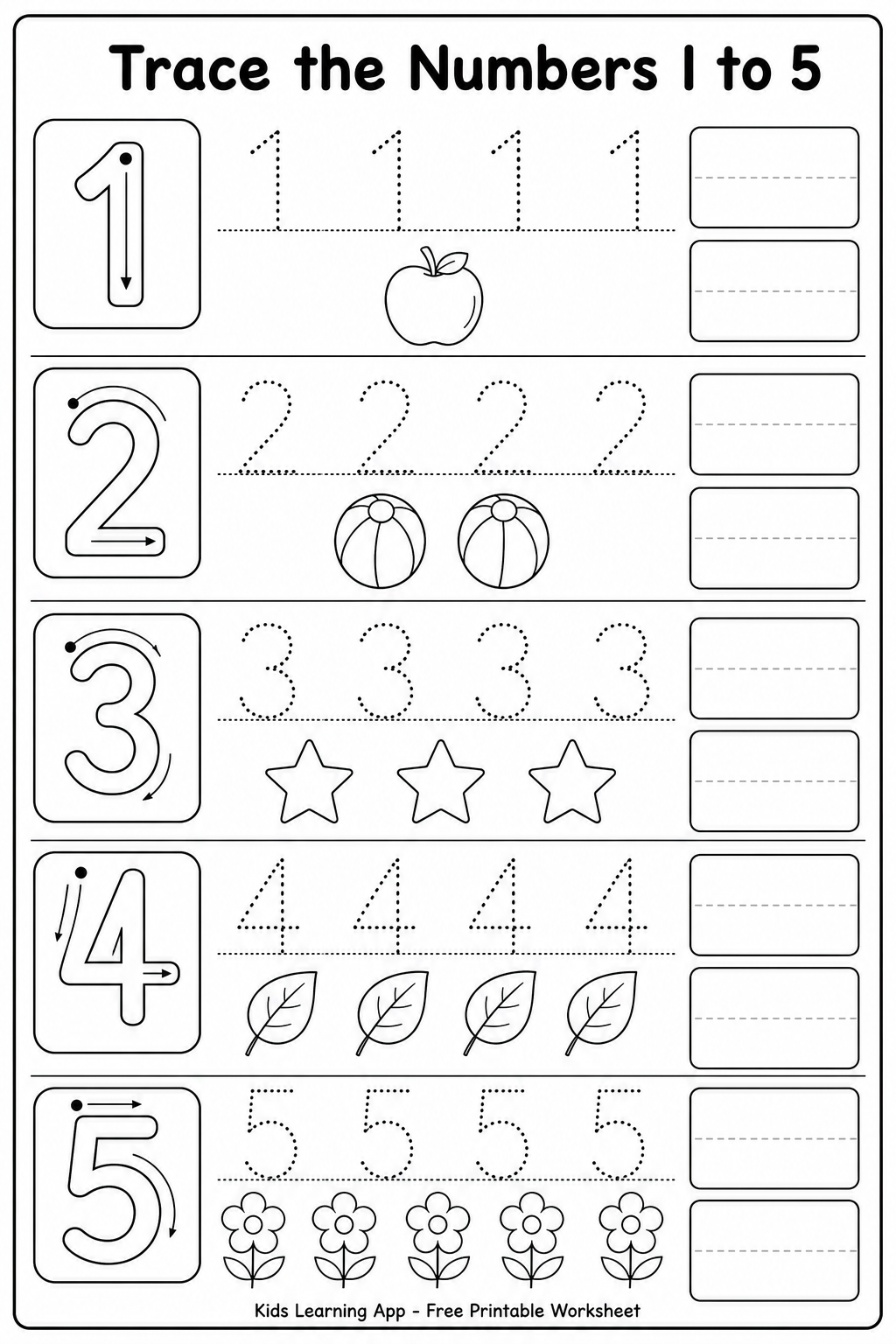
Number Tracing 1 to 10 Worksheets for Kids📄 Printable Worksheets · Age 4-5
 ⭐
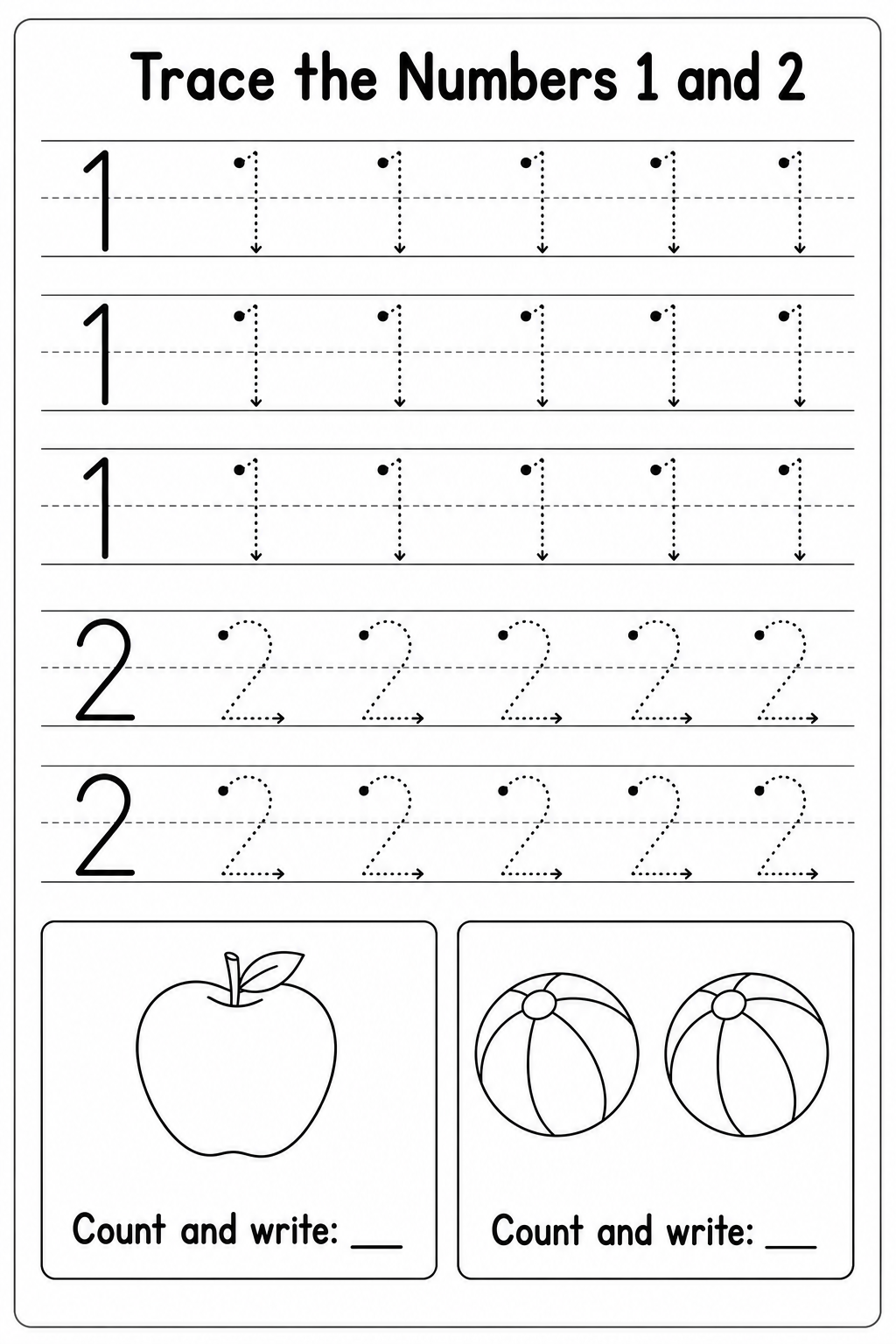
Number Tracing 1 to 10 Worksheets for Kids📄 Printable Worksheets · Age 4-5
 ⭐
Number Tracing 1 to 10 Worksheets for Kids📄 Printable Worksheets · Age 4-5
✏️⭐
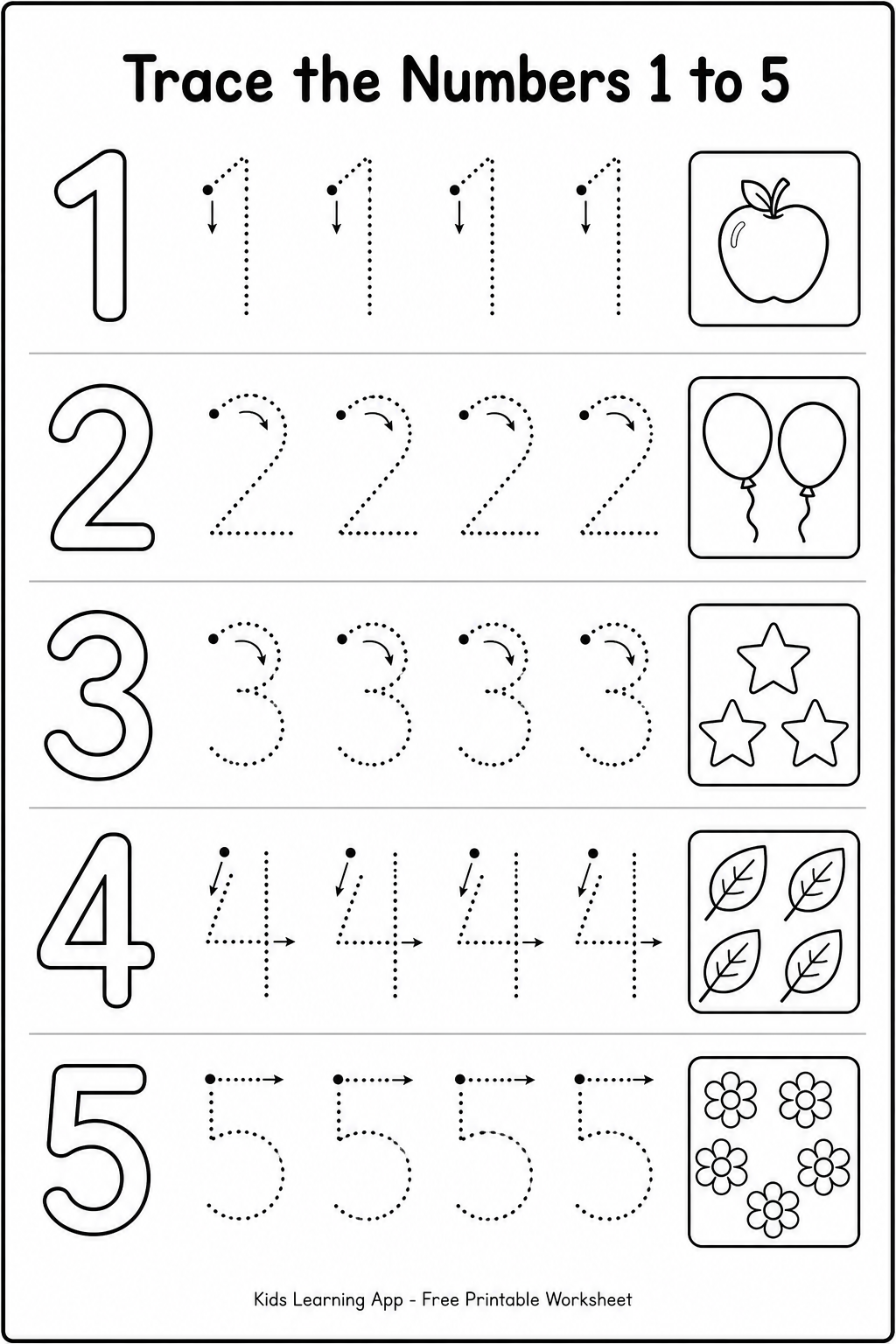
Trace Numbers 1 to 5 for Kids✏️ Trace Letters & Numbers · Age 3-4
🔟⭐
Put Numbers 1–10 in Order🔟 Number Order · Age 4-5
Updated 31 Oct 2026